
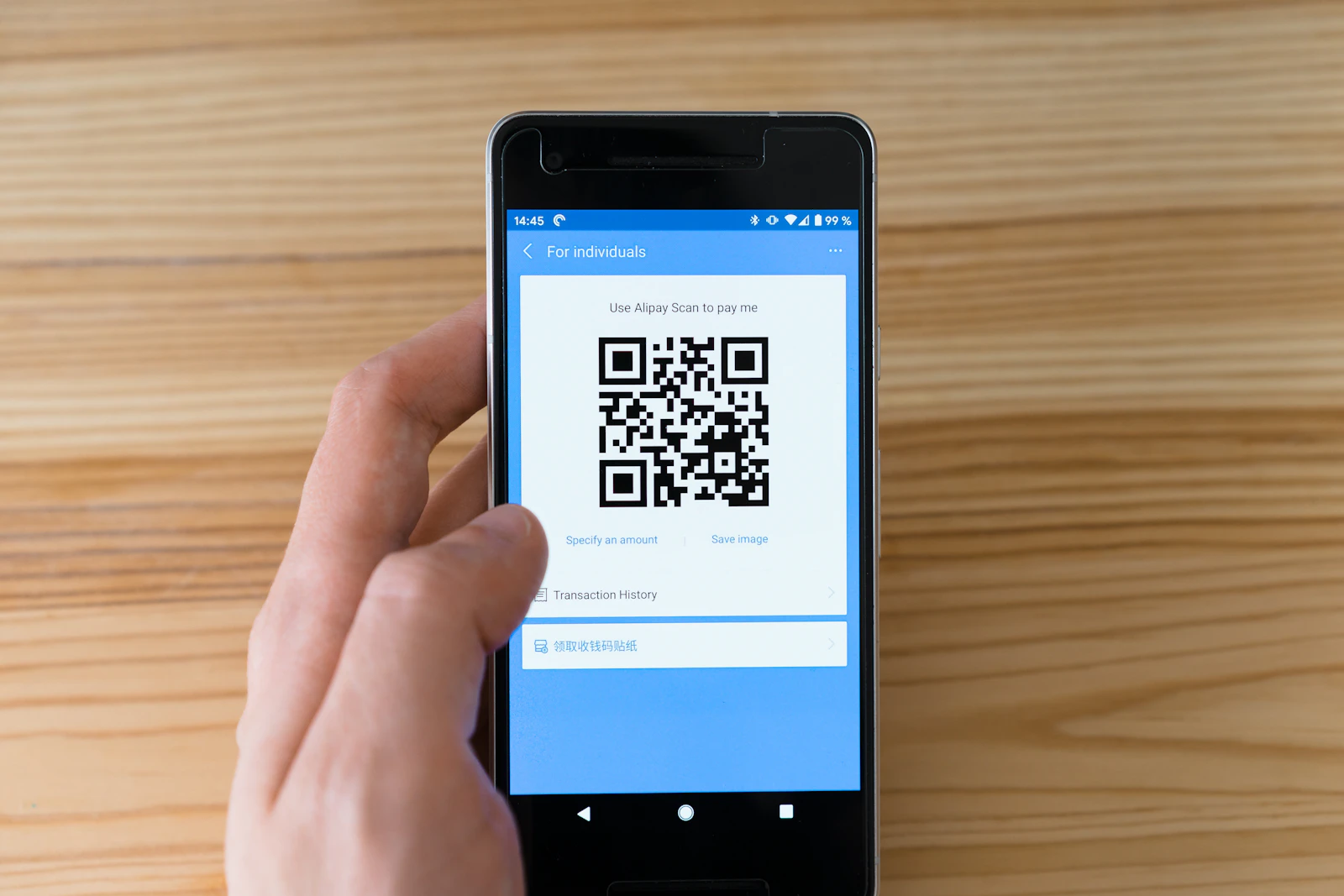
A good multilingual QR menu opens in seconds on hotel Wi-Fi, shows every dish in the guest's own language and gives clear prices in Egyptian pounds, with service charge and VAT spelled out. Put it on a page of your own website, link it from your Google Business Profile, and have a native speaker check each language. Then guests, Google and AI assistants all read the same, correct menu.
Most pages about QR menus are written by the companies that sell them. They rarely cover what matters in Sharm: Russian, Italian and Polish that reads naturally, Arabic from right to left, honest prices and a menu Google can find. This article is part of our guide to tourism marketing in Sharm El Sheikh.
Key points
- Host the menu on your own web address, so the printed code keeps working if you change provider.
- Translate the description, not only the dish name, and have a native speaker check each language.
- Put one clear line on prices, VAT and service charge at the top of every language.
- Write the menu as text, not only as a photo or PDF, and add its link to your Google Business Profile.
- WhatsApp works for ordering, but it's blocked in Russia, and its rules don't allow alcohol offers in Egypt.
Your own website or a QR menu platform: who owns the menu?
A QR code is only a link. What matters is who controls the address it opens.
| Menu page on your own website | QR menu platform | |
|---|---|---|
| Who owns the link | You, for example yourrestaurant.com/menu/ | Usually the platform's own address |
| If you stop paying or switch provider | The code keeps working | Read the terms: the code may stop working |
| Google and AI search | Read the menu as part of your site | Depends on the platform |
| Cost | Part of your website | A monthly or yearly fee |
You can also use both: print a short address on your own domain and point it to the platform. If you leave the platform, the printed codes still work.
If your website can't host a fast menu page, our website design and development team builds them in several languages.
How to translate a multilingual QR menu
Choose your languages
In April 2026 the South Sinai hotel chamber said Russians and Italians lead among foreign visitors in Sharm, with British and Ukrainian guests among the others (RIA Novosti via Amic.ru). So start with English, Russian and Italian, then add Polish, German, Ukrainian or Arabic if those guests come to you.
Translate the description, not only the name
A dish name alone often means nothing to a visitor. "Molokhia" or "fatta" needs a short line that says what's in it. Keep the original name, then add the description in each language:
| English | Russian | Italian | Polish |
|---|---|---|---|
| Grilled fish of the day, price per 100 g | Рыба дня на гриле, цена за 100 г | Pesce del giorno alla griglia, prezzo per 100 g | Ryba dnia z grilla, cena za 100 g |
Use AI as a draft, then a native speaker
AI translation gives a first draft in minutes, but it produces odd phrases and borrows dish names loosely. Italian guests know their own dishes, so describe what is really in yours. Ask a native speaker to read every language once, and again after big changes.
Arabic reads right to left
Egyptians search for these menus as «منيو الكتروني» or «باركود منيو» (Google suggestions for Egypt, November 2026). An Arabic page must run right to left. The W3C, which sets web standards, says to add dir="rtl" to the page's html tag and never to set the direction with styles alone (W3C). Then check on a phone that prices and Latin dish names display correctly.
Prices in EGP, with service charge and VAT shown clearly
Guests worry about the bill as much as the food, so make the price rules impossible to miss.
- Show every price in Egyptian pounds, as a number. No "price on request".
- For fish sold by weight, give the price per 100 g and offer to show the weight before cooking.
- At the top of every language, say whether prices include VAT and service. Egypt's standard VAT rate is 14% (PwC tax summary, reviewed August 2026).
- If you accept dollars or euros, show your exchange rate.
- Add "Prices updated" and the date at the bottom.
An example line, with your own service charge in place of X:
- English: "Prices are in Egyptian pounds. 14% VAT and a service charge of X% are added to the bill."
- Russian: «Цены указаны в египетских фунтах. К счёту добавляются НДС 14% и сервисный сбор X%.»
- Italian: "Prezzi in sterline egiziane. Al conto si aggiungono l'IVA del 14% e il servizio del X%."
- Polish: "Ceny w funtach egipskich. Do rachunku doliczamy 14% VAT i X% opłaty serwisowej."
- Arabic: «الأسعار بالجنيه المصري. تُضاف إلى الفاتورة ضريبة القيمة المضافة 14% ورسوم خدمة X%.»
If your prices include everything, say so: that's a selling point.
Photos, allergens and speed on hotel Wi-Fi
Photos
Use real photos of your own dishes, because guests compare them with what arrives. For Business Profile photos, Google asks for images that are in focus, well lit and not heavily filtered, and recommends 720 × 720 pixels (Google Business Profile Help, November 2026). On the menu page, save photos small, in a web format such as WebP. Your 10 to 15 best dishes are enough.
Allergens and dietary labels
British and other European guests are used to allergen information at home. UK government guidance lists 14 allergens, including gluten, milk, eggs, peanuts, tree nuts, sesame, fish and shellfish (updated July 2026). Mark them with icons and a legend in each language, add vegetarian, vegan and spicy labels, and invite guests with allergies to ask staff.
Speed on hotel Wi-Fi
Guests scan your code on slow hotel Wi-Fi or roaming data. If the menu takes ten seconds, they ask for paper.
- Make the menu a web page, not a PDF, with no app, login or pop-up first.
- Aim for the main content to appear in 2.5 seconds or less, the "good" Largest Contentful Paint level in Google's web.dev guidance.
- Test it: turn off Wi-Fi, sit at a table and scan your own code.
Printing the QR code and updating prices
Printing
- Leave a white margin. Denso Wave, which created the QR code, says it needs a margin four modules (four of its small squares) wide on every side.
- Print dark on light, with no photo behind the code, and the short web address underneath.
- Write the languages as words, such as "Menu · Меню · Menù · منيو", not flags.
- Test the printed code with an older Android phone and an iPhone before you print hundreds.
- Put a code on the board outside, so people walking past can read the menu. Our guide on how to attract tourists to your restaurant covers what else brings them in.
Updating prices
Keep one master menu, the page on your website, and change it first in every language. Then update your Google Business Profile menu (Google says changes can take 24-48 hours to show), delivery apps, printed menus and your WhatsApp catalogue. A price that differs between Google, the table and the bill costs you trust and reviews.
Link your multilingual QR menu to Google and WhatsApp
The menu link and menu editor
In your Google Business Profile, open Edit profile, then Business information, then Contact, and add your menu page under "Menu link" (Google). Google's guidelines say menu links can't go straight to third-party ordering or delivery services, and the menu must show what you really serve, not only "popular items" (Google guidelines).
For food and drink businesses, Google's menu editor adds sections, dishes, descriptions and prices to the profile itself, and Google may copy menu data from your website. In the Google Maps app you can add dish photos and names; Google says names added by the owner take precedence. Our guide on how to rank your restaurant on Google Maps covers the rest of the profile.
Menu structured data
Structured data is a few lines of code that tell search engines what a page is about. Google says to use the most specific business type, such as Restaurant, whose menu property takes your menu's full web address (Google Search Central):
``json { "@context": "https://schema.org", "@type": "Restaurant", "name": "Your restaurant", "servesCuisine": ["Seafood", "Egyptian"], "menu": "https://yourrestaurant.com/menu/" } ``
Google doesn't promise any special search feature from it. Give each language its own page, as our guide to multilingual SEO explains.
WhatsApp ordering
The free WhatsApp Business app has a catalogue, a cart that sends the chosen items as one message, QR codes and short links into a chat, and quick replies (WhatsApp, November 2026). That is enough for takeaway and delivery to nearby hotels. Two limits apply:
- WhatsApp's Business Messaging Policy (updated 23 September 2026) bans promoting or selling alcohol outside a list of countries, and Egypt isn't on it. Keep alcohol out of your catalogue and offers.
- WhatsApp has been blocked in Russia since February 2026 (Reuters via NBC News). Russian guests may reach it on hotel Wi-Fi, but that isn't confirmed. Show Telegram and a phone number too.
What AI search reads on your menu in 2027
Guests now ask full questions, such as "Where can we eat grilled fish near Naama Bay with kids?" Google's AI Mode has been rolling out in Arabic since October 2025. In August 2026 Google said Ask Maps can find open restaurants that serve the dish a user asks for It isn't confirmed for Egypt yet.
Assistants can only recommend dishes they can read. They work best with menu text on your website in each language, the same dishes and prices on your Business Profile, and reviews that mention your dishes. Also check that your website doesn't block AI crawlers: OpenAI says sites that opt out of OAI-SearchBot, its search crawler, aren't shown in ChatGPT search answers.
FAQ
What is a multilingual QR menu?
It is a digital menu that opens when a guest scans a code on the table and shows dishes, descriptions and prices in several languages. The guest picks a language, or the page opens in the phone's language. In Sharm El Sheikh, start with English, Russian and Italian.
Should I use a QR menu platform or my own website?
Either can work, but own the link. If the printed code points to a platform's address, changing provider can mean reprinting every code. A menu page on your own domain keeps your codes working and lets Google read the menu as part of your site.
Is machine translation good enough for a menu?
It is a useful first draft, not the final menu. Machine translation can turn dish names into odd or wrong phrases, and guests notice. Translate the description as well as the name, keep the original dish name, and ask a native speaker to check each language.
How do I add my menu to Google Maps?
In your Google Business Profile, go to Edit profile, Business information, Contact and Menu link, and enter your menu page. The link can't go straight to a third-party ordering or delivery service. Food and drink businesses can also add sections, dishes and prices with Google's menu editor.
Should my menu show the service charge and VAT?
Yes. One clear line at the top of each language, saying whether VAT and service are included or added to the bill, prevents arguments at the end of the meal. Egypt's standard VAT rate is 14%. Add your own service-charge percentage and show prices in Egyptian pounds.
Need a multilingual QR menu for your restaurant in Sharm El Sheikh?
We build fast menu pages on your own website in the languages your guests read, connect them to your Google Business Profile and prepare print-ready QR codes. See our prices for menu pages and websites. Message us on WhatsApp or use our contact page.
Sharm Sites is a digital marketing and digital solutions agency at Khan 83, Genena City Mall, Sharm El Sheikh. We help hotels, restaurants, travel agencies and other businesses in South Sinai with websites, SEO, social media and ads, booking systems and AI solutions. WhatsApp: +20 150 770 7705. Email: info@sharmsites.com.